Productive Robotics
Robot HMI & System Software
The operator experience and system glue — silicon to touchscreen.
The Problem
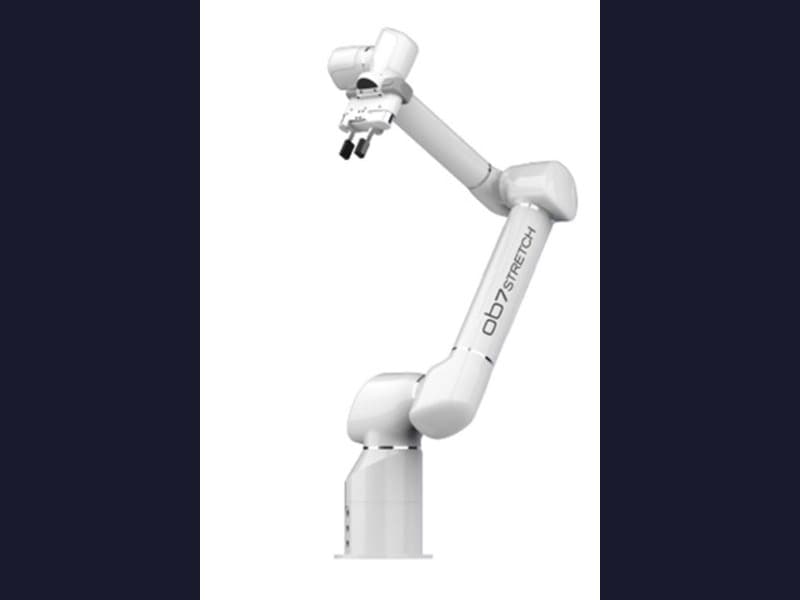
Welding operators don't read C++ — they drive the robot through a tablet. That interface has to run reliably on an embedded browser, jog a 7-axis arm intuitively, enforce safety interlocks, and execute weld programs step by step, all while staying maintainable as the codebase grows across languages.
The Approach
Built the entire operator experience: a Vue 3 / Pinia tablet UI with a clean state machine, redesigned jog controls, and a custom on-screen keyboard for the touchscreen HMI, plus a Chromium-compatibility pass to keep it rendering on the embedded browser. Wrote the system glue underneath — a safety-interlock chain, the executive program interpreter that runs weld jobs step by step, and the cross-stack architecture tying silicon to touchscreen. Made the codebase self-documenting with an AI documentation generator (Claude API, structured output) that turns a multi-language codebase into consistent, cross-linked Markdown that regenerates as the code changes.
The Outcome
Cut tablet CPU load in half (39.8% → 19%) so the HMI stays responsive under load, collapsed a three-day manual documentation process to about four hours, and shipped 100+ production features across three robot platforms — 1,319 commits in twelve months.